
Polyth
One workspace for every coding agent. And everyone you build with.
Run Claude Code, Codex, OpenCode, Pi, Antigravity, Cursor and DeepSeek on one permanent history. Share a server with your team, keep risky actions behind a person, and reshape every part of the interface.
Open source · macOS, Windows, Linux and Android · or your own server

Works with the agents you already use, and reuses their sign-in
- Claude Code
- Codex
- OpenCode
- Pi
- Antigravity
- Cursor
- DeepSeek
- Command Code beta
- 7coding agents on one history
- 80+packages to switch, swap or fork
- 12interface languages
- 0ports to open for your phone
Four ideas. Built in from day one.
One history, any agent
Switch agents mid-conversation. Keep every word.
Safe by default
Risky calls wait for a person.
npm test Approvededit src/check.ts Approvedgit push --forceWaiting for youBuilt for a team
One server. Everyone on it.
Personal accounts, private chats, sharing, roles and limits.
Yours to reshape
Every feature is a package.
Switch it off, install a new one from a link, or have an agent build it.
- Source controlDiffs, commits, branches
- Voice modeTalk to your agent
- Deploy boardgithub.com/acme/deploy-boardReview access
Agents
The conversation belongs to you.
Every chat is a permanent record that Polyth keeps. The agent underneath only runs the current turn, so you can change it any time, and nothing is silently rewritten.
- Switch mid-conversationStart on Claude Code, continue on Codex, finish on a local model through OpenCode or Pi.
- Fork, rewind, redoBranch from any message, or step back without losing the original.
- Bring your historyImport Claude Code, Codex, OpenCode, Pi and Cursor conversations and continue them on any agent.
- Delegate across agentsAn agent can start helpers on other agents, each in your checkout or its own Git worktree, and merge their work back.

Teams
One server for everyone you build with.
Not a single-user remote with a shared password. Each person signs in as themselves, chats stay private until they are shared, and the owner decides what every account may do.
users, nothing else. Details below.Spaces
Keep home, work and client projects apart. The server enforces every boundary.
Private by default
New chats are private. Share one with a person or the whole Space.
Who said what
Every message shows its author, and the agent works with the sender's accounts.
Talk to people too
@-mentions and notifications; turn any thread into an agent session.
Limits per account
Allowed projects and assistants, and messages or new chats per day.
Protected mode
No shell, no auto-approve: a person answers every request.
Security
Agents do the work. People make the risky calls.
A permission engine that refuses when in doubt sits between every agent and your machine. Pick a level and see what happens.
npm testWaiting for you Approvededit src/check.tsWaiting for you Approvedrm -rf data/ destructive deleteWaiting for you Approvedgit push --force origin main rewrites historyWaiting for you ApprovedEvery request waits for an answer: once, for this chat, or always for the project.
Routine work flows. Deletes, force-pushes, sudo, credential access, deploys and writes outside the project still wait for a person.
Everything not blocked by an explicit deny rule runs. Opt-in, confirmed, and best kept for throwaway environments.
Secrets stay sealed
Agents get a handle from Credential Vault, never the value.
No self-promotion
An agent may turn its autonomy down, never up.
Default-deny devices
A new phone can do nothing until you allow it.
No open ports
Phones connect through Polyth Link, an authenticated tunnel.
Make it yours
Not a settings page. A set of parts.
Everything in Polyth — chat, source control, the browser, voice, even each agent — is a package. Turn any of them off, install new ones from a link, or ask an agent to write the one you are missing.
github.com/acme/deploy-boardInstall- Source controlDiffs, staging, commits, worktrees
- BrowserA browser you and the agent share
- PlannerPrompts on a schedule
- IDE layout betaEditor-first window
Everything is a package
Server code, interface and styles in one folder. Remove it and nothing is left behind.
Install from a link
A GitHub, GitLab or Codeberg repository, a .zip, or a folder on your computer.
Updates you approve
Let packages update themselves; new access always waits for you.
Built by an agent
Describe a feature in a chat on Polyth's own code and get it as a package.

And everything around the code.
-
Resident agents
Named agents wake on a schedule, on a heartbeat or when asked, and keep a notebook.
- Triage new issuesEvery weekday
- Summarise today's mergesEvery day
-
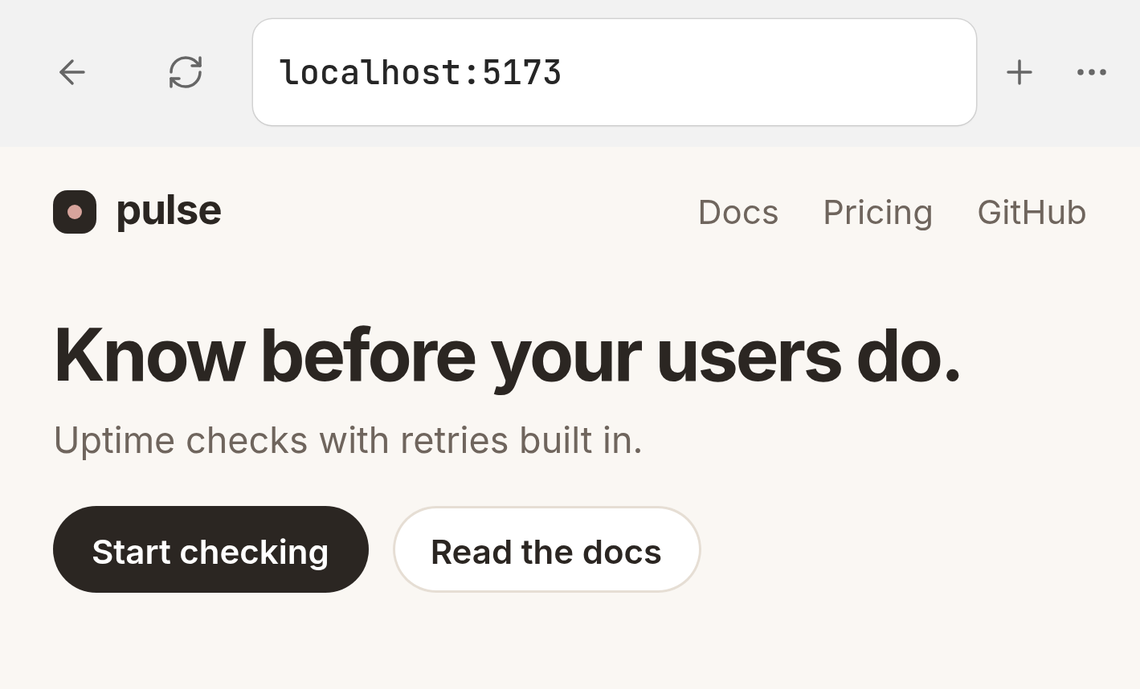
A browser you share
Preview your app beside the chat. The agent drives it; you can take over at any moment.
-
Multirun
Send one prompt to several models side by side and keep the best answer, or let Fusion merge them (in beta).
-
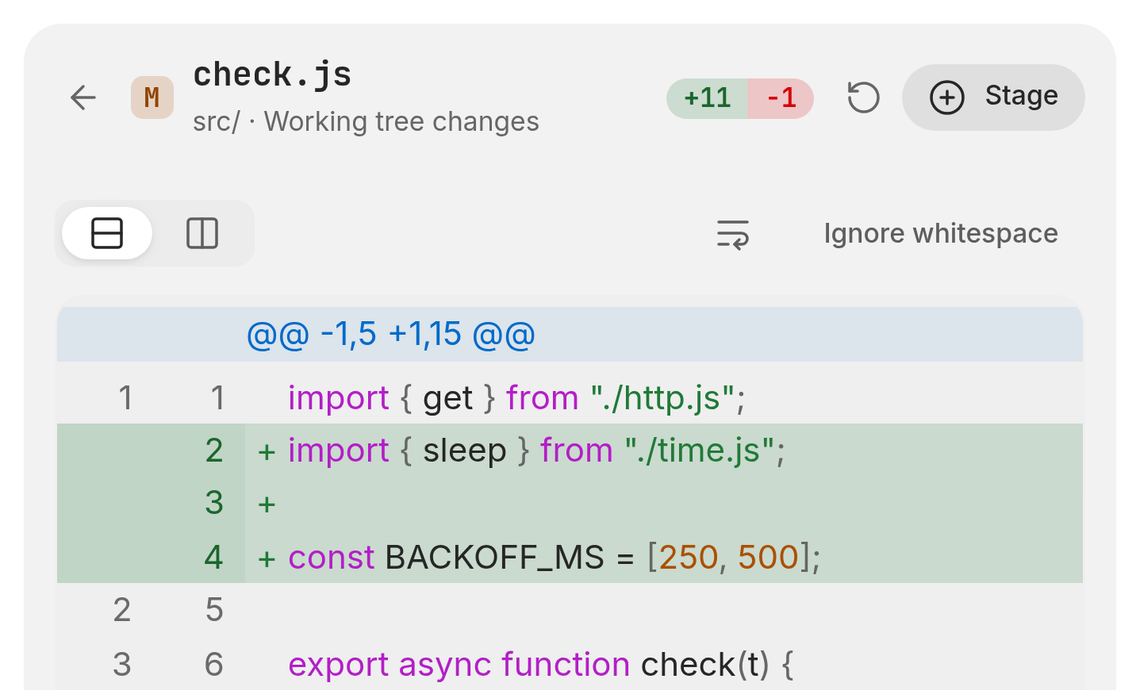
Source control
Diffs, staging, commits, branches and worktrees; GitHub pull requests and GitLab pipelines.
-
Judges
An independent check of whether a turn did what it promised, and which chats are waiting for you.
-
Planner
One-off and recurring prompts: at a time, every few hours or on a cron schedule, in your time zone.
-
Remote over SSH
Open a project on another machine and run the agent next to the files.
-
Voice mode
Talk, pause, and hear the reply while it is still being written. Dictation everywhere else.
-
Knowledge and memory
Notes, plans and reusable context you attach to any chat.
-
Your tools
Jira, Trello, Linear, GitHub, GitLab, Gmail, Calendar, Drive, MCP servers and web search.
-
Command line
Script Polyth with
polyth: create chats, send, follow and wait, with JSON output.


Desktop and phone
Start at your desk. Answer from your phone.
The same chats in the browser, the desktop app and on your phone. Pair once by QR code and it reconnects on its own.

Pair in seconds
QR code, nearby discovery or a six-digit code.
Polyth Link
An authenticated tunnel straight to your server.
Notifications
Know when an agent is done or needs an answer.
Usage and limits
Tokens, cost and provider limits across every agent.
Questions, answered.
Is Polyth free?
Yes. Polyth is open source under the Apache License 2.0. You keep paying your agent providers as you do today: Polyth runs the command-line agents you have already installed and signed in to.
Which agents does it work with?
Claude Code, Codex, OpenCode, Pi, Antigravity, Cursor and DeepSeek, with Command Code in beta. New chats start on the first ready agent in your order, or on the one you pick for a chat or a project.
Where do my code and chats live?
On the machine that runs Polyth: your computer with the desktop app, or a server you control. Projects, history, settings and secrets stay there.
Can my whole team share one server?
Yes. Everyone gets their own account, chats are private until shared, Spaces keep projects apart, and the owner can limit what each account may use. More about teams.
Is there a phone app?
The Android app is available as a direct download, and the iPhone app is on its way to the App Store. Both pair with your own Polyth server through Polyth Link. Get it.
How much of it can I change?
All of it. Every feature is a package you can turn off, replace, fork or extend, and the interface has styles, themes, layouts, fonts and shortcuts to match how you work. See what you can change.

Install it on the machine you already have.
The desktop app brings everything with it. Or run one server for the whole team and reach it from any browser and phone.